
Smarkets is one of the UK’s leading betting exchanges — a platform where you bet against other punters rather than a bookmaker, with a flat 2% commission on net winnings and one of the most competitive welcome offers in the exchange market: 0% commission for 60 days with promo code COMMFREE.
Getting started takes under five minutes. The registration process is straightforward — personal details, identity verification, first deposit — and once you’re in, you have access to exchange markets across 20+ sports, political betting, matched betting tools, and a platform that doesn’t restrict winning accounts.
This guide walks you through everything: how to create your account, where to enter the promo code, deposit and withdrawal options, account security, and what to do if you run into any issues logging in down the line.
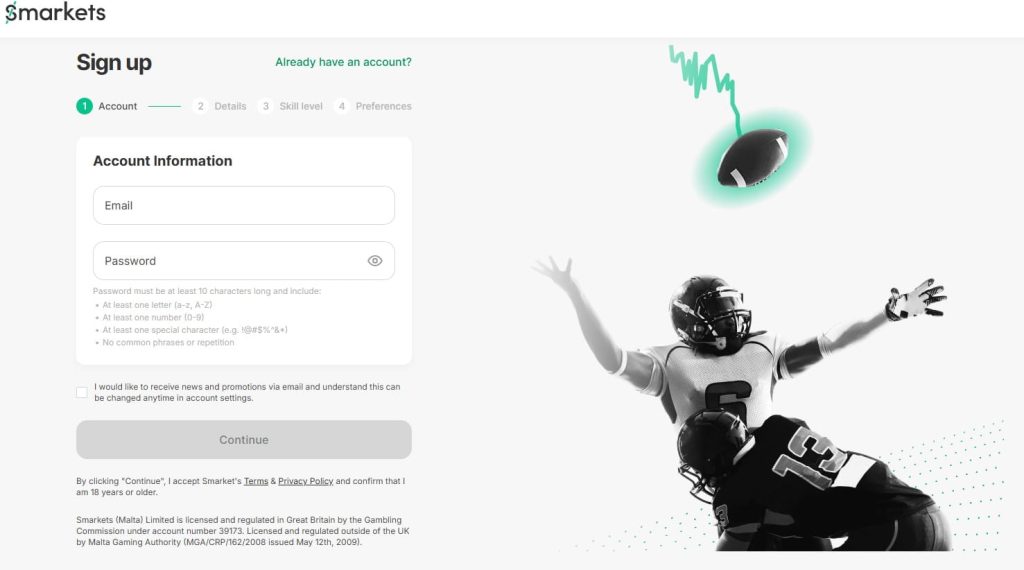
How to Create a Smarkets Account
Getting registered on Smarkets takes around three to four minutes for the initial sign-up. Identity verification — which Smarkets requires before you can make your first deposit — adds some time on top of that, though the process is faster than most exchanges.
Here’s the full step-by-step:
Step 1 — Go to the website and click Join. Hit the Join button in the top right corner. You’ll be taken to the registration form.
Step 2 — Enter your personal details. Full name, date of birth, home address, email address, and a password. Standard fields — have them ready to speed things up.
Step 3 — Enter your promo code. At the relevant step during registration, enter COMMFREE to activate 0% commission for your first 60 days on the platform. This is the only point at which the code can be applied — it cannot be added retroactively once your account is created. If you miss this step, you’ll be on the standard 2% commission rate from day one.
Step 4 — Verify your identity (KYC). Before making any deposit, Smarkets requires full identity verification under UKGC regulations. This is not optional and applies to every new account. You’ll need:
- Proof of identity — passport, driving licence, or national ID card
- Proof of address — utility bill, bank statement, or official correspondence dated within the last three months
Most standard UK accounts are verified within 4–6 hours on a weekday — faster than Betfair’s typical 8–24 hour window. Complex cases or mismatched documents can take up to 72 hours. Submitting clear, current documents the first time around avoids back-and-forth with the compliance team.
Step 5 — Make your first deposit. Once verified, go to My Account → Deposit and choose your payment method. Minimum first deposit is £10. To qualify for the COMMFREE offer, your first deposit must be made by debit card or instant banking only — Skrill, Neteller, PayPal, and virtual or prepaid cards, including Monzo, do not qualify.
Step 6 — Start trading. Your account is live. The 0% commission period starts from the date of your first deposit and runs for 60 days. Any bets that settle within that window pay zero commission. Bets placed during the period but settling after the 60 days are charged at the standard 2% rate.
How to Log In to Smarkets
Once your account is set up and verified, logging in takes seconds. Here’s how it works across desktop and mobile:
Desktop:
- Go to the website
- Click Smarkets login in the top right corner
- Enter your registered email address and password
- Click Log In — you’re in
Mobile app:
- Open the Smarkets app on iOS or Android
- Tap Log In on the home screen
- Enter your email and password — or use Face ID / fingerprint if you’ve enabled biometric login
- Tap Log In
SBK app users: If you access Smarkets through the SBK companion app, note that the login is separate — your SBK credentials won’t work on the Smarkets exchange directly. Use your Smarkets-specific email and password, or contact support if you haven’t set up exchange access yet.
| Login method | Available on | How to enable |
|---|---|---|
| Email + password | Desktop, mobile, app | Default — set during registration |
| Face ID (biometric) | iOS app | Enable via device security settings after first login |
| Fingerprint (biometric) | Android app | Enable via device security settings after first login |
| Two-factor authentication | Desktop + mobile | Enable via My Account → Security Settings |
Enabling 2FA takes under two minutes and is the single most effective step you can take to protect your account — particularly if you keep a balance on the platform between sessions.
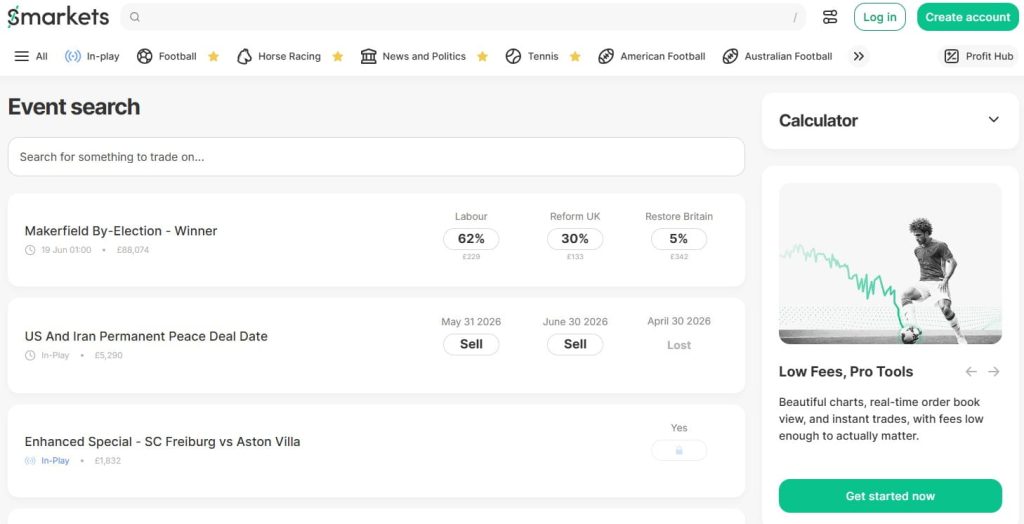
Smarkets sign up offer
The current welcome offer for new UK, Ireland and Malta customers is 0% commission for 60 days using promo code COMMFREE. It’s the strongest ongoing offer Smarkets runs and the main reason to enter a code at registration rather than skipping it.
| Promo code | COMMFREE |
| Offer | 0% commission for 60 days |
| Standard rate after | 2% net win |
| Minimum deposit | £10 |
| Qualifying deposit methods | Debit card, instant banking only |
| Excluded methods | Skrill, Neteller, PayPal, prepaid/virtual cards, Monzo |
| Eligible customers | New UK, Ireland and Malta accounts only |
| Code entry point | During registration only — cannot be applied after |
There’s also an alternative offer worth knowing about: a £20 cash refund on net losses in your first week of trading. You pick one or the other at sign-up — they can’t be combined. The COMMFREE offer is better value for most active bettors; the £20 refund suits someone who plans to trade lightly in the early weeks and wants a safety net rather than a commission saving.
For existing Smarkets users looking for ongoing promotional codes — referral codes, reload offers — check the promotions section of your account dashboard. Smarkets runs periodic offers for existing customers, though these are distributed directly to accounts rather than publicly listed.
Account Security — Login & 2FA
Smarkets offers two-factor authentication (2FA) on all accounts — worth enabling immediately after registration, particularly if you plan to hold a balance on the platform. 2FA adds a second verification step at login — typically a code sent to your phone — so that access requires both your password and physical possession of your registered device.
To enable 2FA: go to My Account → Security Settings and follow the setup steps. It takes under two minutes and significantly reduces the risk of unauthorised access.
On mobile, the Smarkets app supports biometric login — Face ID on iOS and fingerprint authentication on Android. This is set up through your device’s own security settings once you’ve logged in to the app at least once with your email and password.
Password best practices: Use a unique password for your Smarkets account — not one shared with email, social media or other betting accounts. If you’ve reused a password that’s been involved in a data breach elsewhere, change it now before enabling 2FA.
Smarkets Login Troubleshooting
Most login issues on Smarkets are quick to fix once you know what’s causing them. Whether you’ve forgotten your password, your account has been locked, or you’re not sure if the site is down, the table below covers the most common problems and exactly what to do about each one.
| Issue | Solution |
|---|---|
| Forgotten password | Click Forgot Password on the login page, enter your registered email and follow the reset link. Links expire after a set period — if it’s no longer active, simply repeat the process |
| Forgotten username/email | Your Smarkets username is your registered email address. If you’ve lost access to that email, contact support via live chat or email with your full name, date of birth and home address to recover access |
| Account locked | Usually triggered by multiple failed login attempts. Contact live chat to unlock — typically resolved quickly once your identity is confirmed |
| Site not loading | First check whether the issue is platform-wide or specific to your connection — try a different browser or device. For confirmed outages, Smarkets’ Twitter/X account (@Smarkets) is the fastest place to check for updates. Planned maintenance is communicated in advance by email |
| SBK account holders | Smarkets and SBK accounts are separate — you can’t log in to the exchange with SBK credentials. Contact Smarkets support and they’ll arrange exchange access without requiring a full second registration |
| Cancelling a bet | Unmatched bets can be cancelled any time before they’re matched — go to My Bets, find the order and cancel it. Once matched, a bet can’t be cancelled, but you can trade out by placing an opposing bet |
If none of the above resolves your issue, live chat is the fastest route to a fix during business hours. For out-of-hours problems, the Smarkets help centre covers most common account and access issues as a self-service alternative.
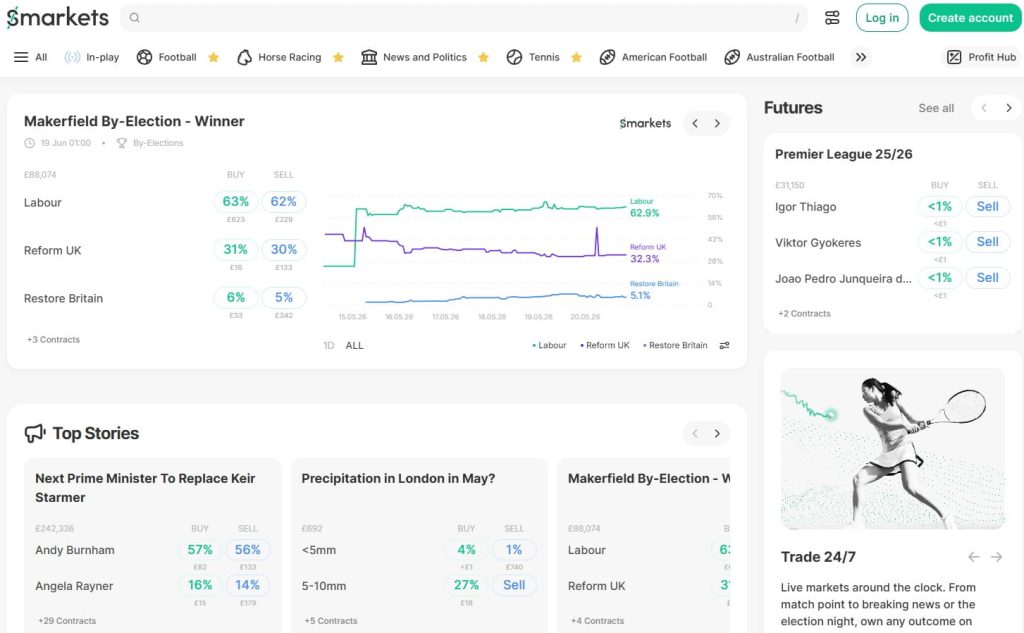
Is Smarkets Worth Signing Up To?
If you’re looking for a straightforward betting exchange with low commission and a genuinely useful welcome offer, Smarkets is hard to argue with. The Smarkets sign up process is quick, the 0% commission period gives you 60 days to get familiar with the platform without the standard 2% eating into your returns, and the identity verification — while mandatory — moves faster than most comparable exchanges.
The platform isn’t without its limitations. Support isn’t available around the clock, liquidity on niche markets and smaller racing meetings is thinner than Betfair, and the SBK/Smarkets account separation catches people out more often than it should. These are real points worth knowing before you sign up — not dealbreakers, but worth factoring in depending on how you plan to use the platform.
For matched bettors, exchange traders, and anyone who’s grown tired of having their account restricted at a traditional bookmaker, Smarkets offers something genuinely different. No account restrictions for winners, transparent pricing, and a commission structure that rewards active use rather than punishing it.
The promo code is COMMFREE — enter it during registration, make your first deposit by debit card or instant banking, and your first 60 days on the platform are commission-free. It’s the right way to start on any exchange: low cost, no commitment, and enough time to work out whether the product suits how you bet.
FAQ
How do I sign up to Smarkets?
Go to the website and click Join in the top right corner. Fill in your personal details, enter promo code COMMFREE at the relevant step to activate 0% commission for 60 days, and complete identity verification before making your first deposit. The whole process takes around three to four minutes, with KYC verification typically approved within four to six hours on a weekday. First deposit must be by debit card or instant banking to qualify for the welcome offer.
How do I log in to Smarkets for the first time?
After completing registration and identity verification, head to the website.com and click Log In in the top right corner. Enter the email address and password you used during sign-up. On the app, tap Log In and use the same credentials — you can then enable biometric login via your device security settings for faster access going forward. First-time login requires your email and password regardless of device.
What is the Smarkets promo code?
The current promo code for new UK customers is COMMFREE, which gives you 0% commission for 60 days. It must be entered during registration — it cannot be applied after your account is created. First deposit must be by debit card or instant banking to qualify.
Can I use PayPal to deposit and still get the welcome offer?
No. PayPal, Skrill, Neteller, and virtual or prepaid cards are excluded from the COMMFREE offer. Your first deposit must be by debit card or instant banking.